How to complete Automation Industries ITPs
- 1
To access forms login via our website to access the access Contractors section https://www.automationindustries.com.au/contractors
- 2
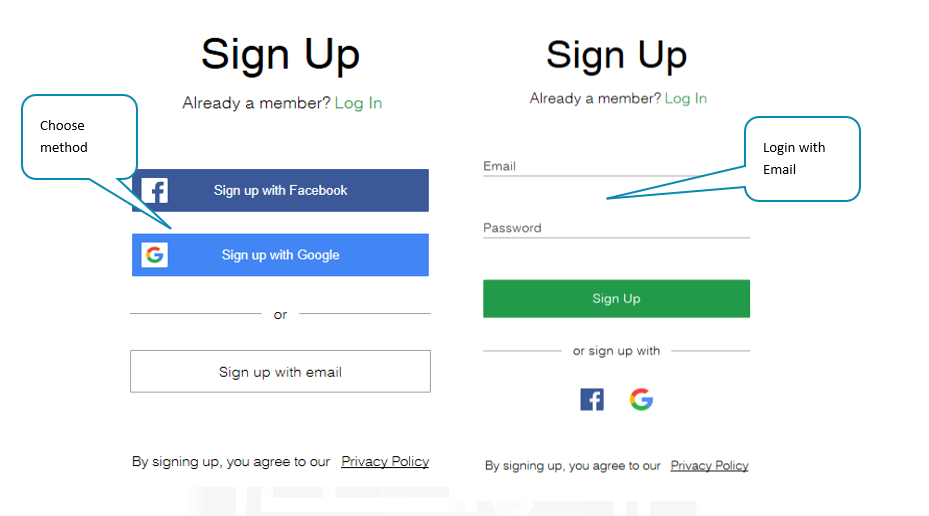
Create a new account or log in if you already have an account
- 3
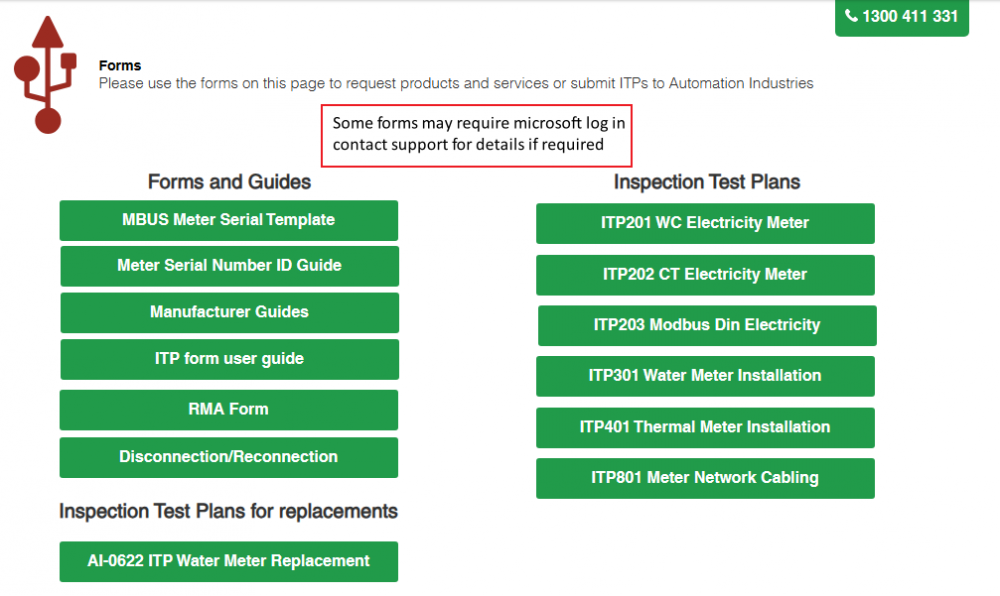
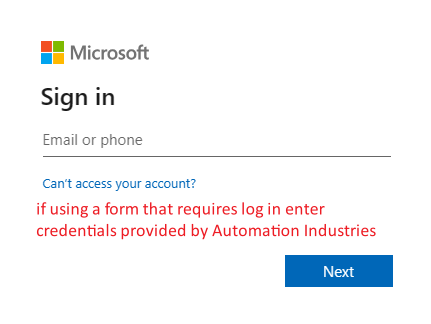
Once you have logged in you can select the required ITP form to complete
- 4
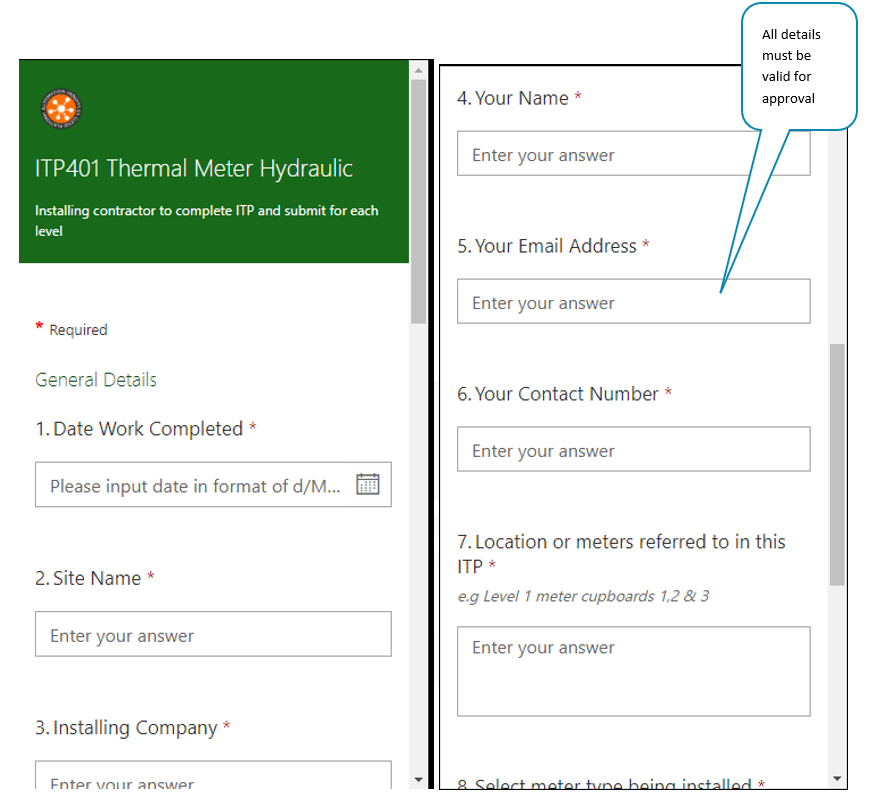
Complete the form answering all questions, your user details and email must be correct or approval step will fail and the ITP will not be processed
- 5
Continue to complete form answering all QA questions, there are links through the forms to view manufacturers data or send meter schedules and photos if required
- 6
Once at the end of the form click submit to send the form for approval
- 7
Once submitted the ITP you can continue to submit more forms, the ITP will be reviewed usually within 1- 5 business days and you will receive a response and a copy for your records, if there are any discrepancies Automation Industries will be in contact to discuss the issue.
- 8
For any support please Contact Us