RCM-H200 LoRa Split Module Installation
Ensure correct module is being connected to the correct meter serial as per Automation Industries meter schedule
Ensure the new device and meter is added to the LoRa gateway before connecting the RCM-H200 module - to be confirmed with Automation Industries Technician
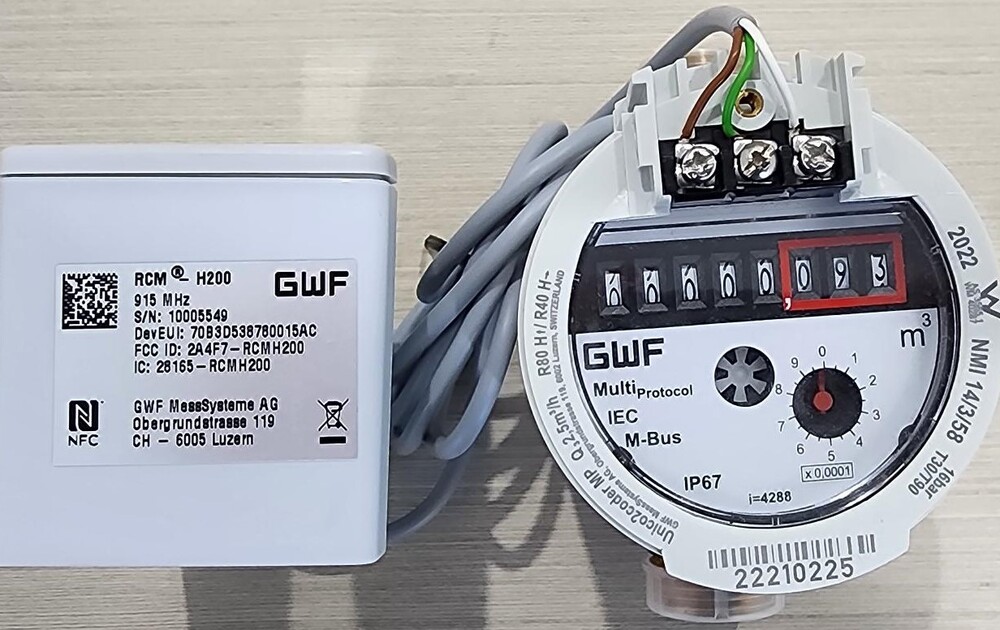
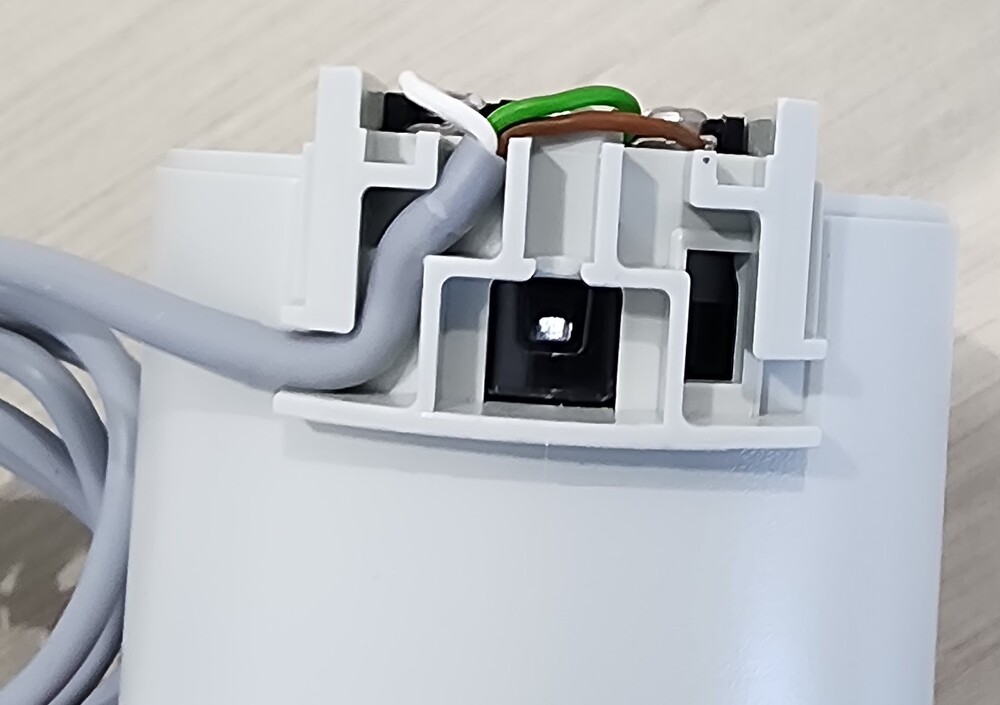
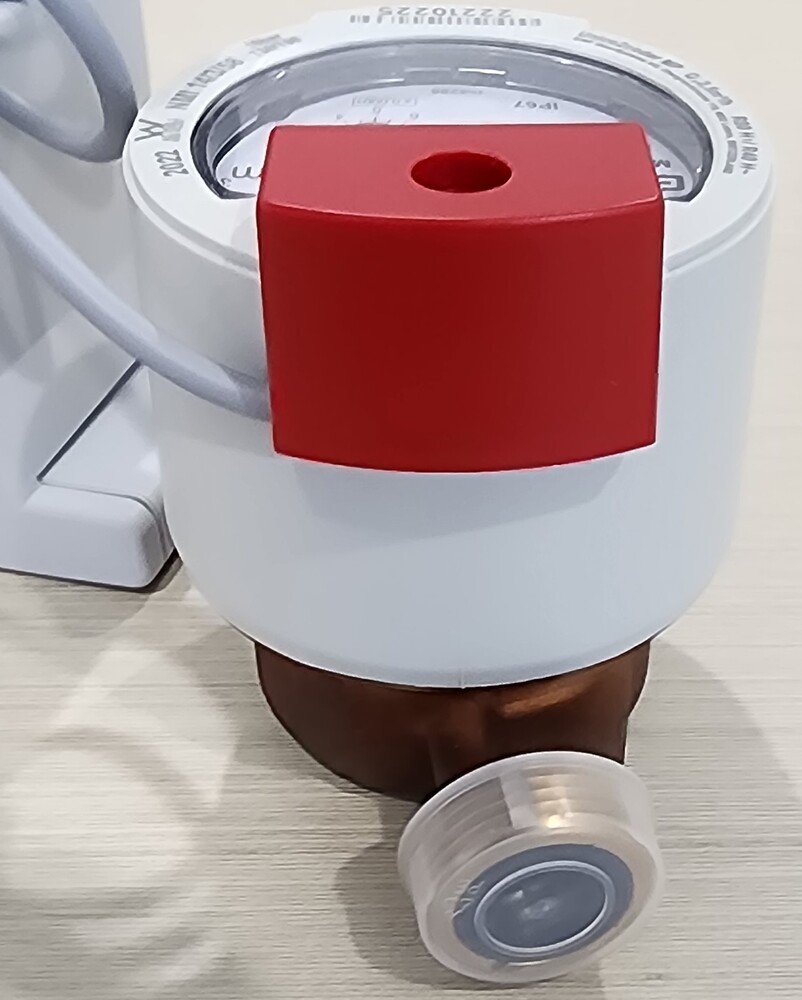
After meter installation is complete mount the RCM-H200 and proceed with connections to the meter
once the connection is complete the RCM-H200 will attempt to join the closest gateway if in range
Confirm connectivity with Automation Industries
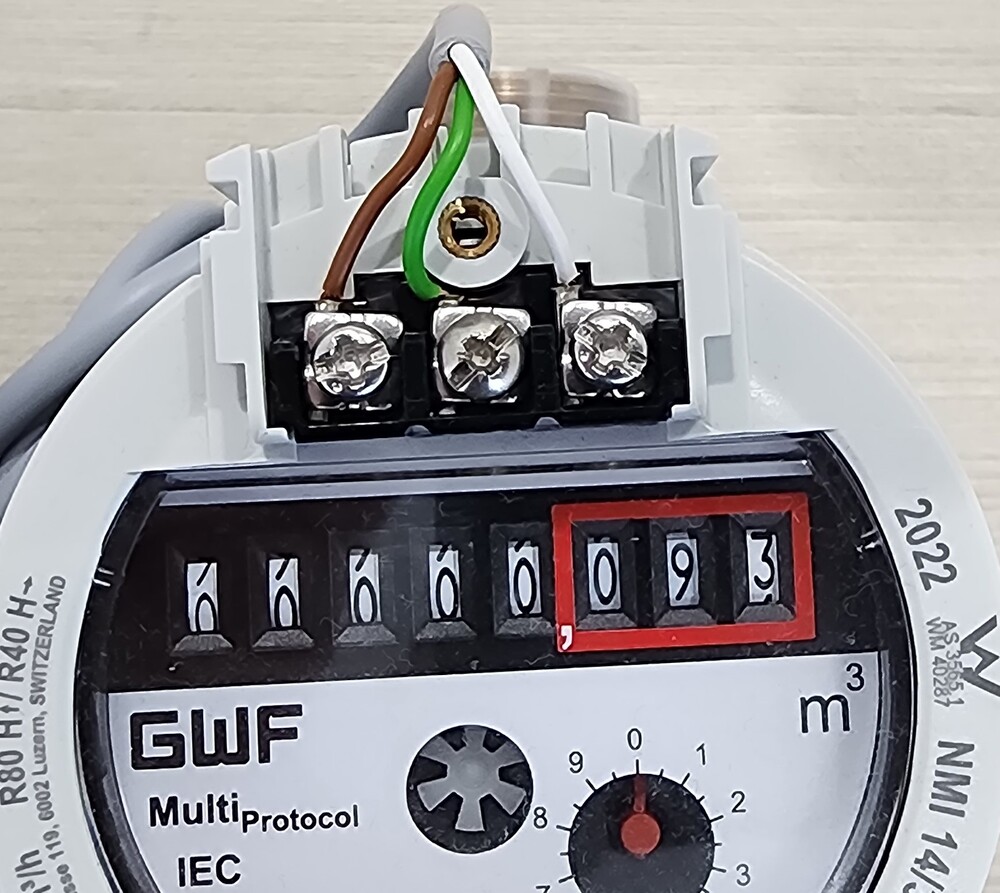
Meters are supplied with a 2-core cable which is for MBUS option - this cable must be discarded when connecting RCM-H200 LoRa module.
The LoRa option requires the 3 core cable that is attached to the module.
Do not join the RCM module to this cable